Interactive flat panel vs Smart TV: which fits your project?
Compare interactive flat panels and Smart TVs by workflow, touch input, computing, installation and total project scope.
An interactive flat panel and a Smart TV can both show a presentation, but they are not interchangeable in every project. Start with the actions users need to perform on the screen. The right choice follows those actions, the room and the equipment already available, rather than a universal rule that one category is always better.
Choose interaction or presentation
If a teacher or presenter needs direct touch, annotation or a shared digital canvas, investigate an interactive panel and its supported software. If viewers mainly watch content controlled from a laptop or player, a non-touch display may meet the brief. Confirm any annotation and file-export functions on the exact configuration rather than assuming they are built into every screen.
Account for the computer and software
A built-in operating system does not guarantee that your preferred application will run or be licensed. Compare an external laptop, a compatible OPS option where supported, and any built-in apps as separate workflows. Check updates, account management and software compatibility using the actual files and devices. Include required licenses in the project budget.
Compare complete installed packages
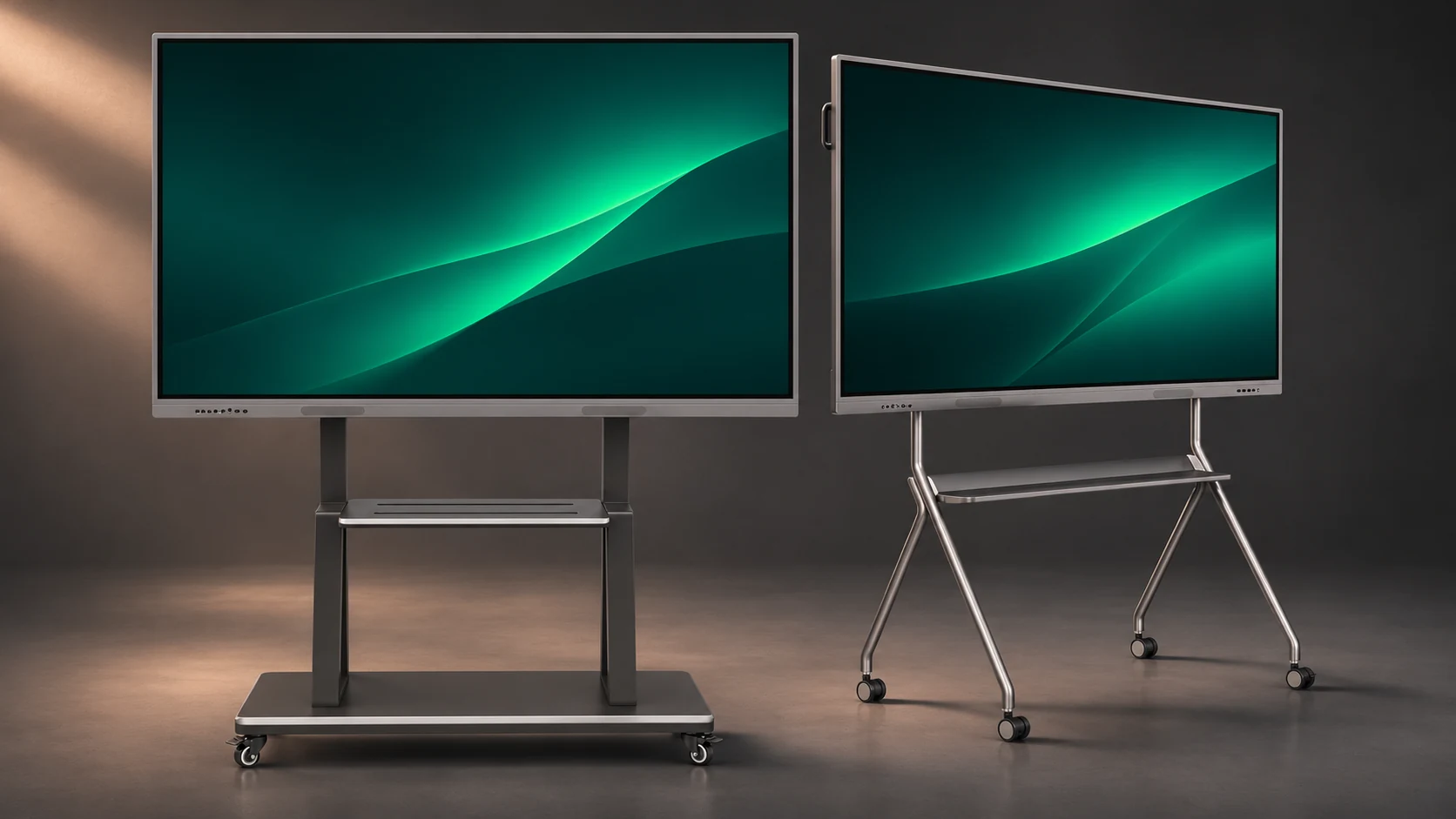
Ask for itemised equipment lists covering mount or stand, cables, optional computer, presentation accessories and installation responsibilities. Look at viewing position, available wall space and site access. A headline screen price cannot show whether two packages include the same hardware, support or delivery scope. Keep any unconfirmed item explicitly open in the comparison.
Use one shared acceptance test
Prepare a short sequence that represents a normal session: start the equipment, open a real file, show the smallest text, play audio and change sources. Add touch, annotation or a remote call only when the project requires them. Compare results against that sequence, then confirm the final model and commercial terms in writing.
Planning example
Planning example, not a customer case: a presentation-only reception area and a classroom with board annotation can require different display categories even within the same organisation.
Buyer checklist
- User actions and required touch functions
- Real files, devices and software licenses
- Complete accessories and installation scope
- Viewing position and site assessment
- Shared acceptance test and written quotation
Common buyer questions
Is an interactive panel always better than a Smart TV?
No. Its value depends on whether the project needs the supported interactive workflow. Compare against the actual tasks.
Does a Smart TV include a Windows computer?
Do not assume it does. Confirm the exact computing arrangement and licenses separately for either display category.
Copyable project brief
Complete these fields before requesting a project quotation.
Project / location:
Room plan and user workflow:
Screen size / quantity:
Computer, software and accessories:
Installation and delivery responsibilities:
Acceptance tests and required date:
JIADA product information → · Buyer guide PDF ↓
AI-assisted editorial guide from JIADA. Planning examples are hypothetical, not customer case studies. Product configurations and commercial terms are confirmed in the written project quotation.
Project questions
Orion Yang · sales@jiadatv.com