Hotel lobby information displays: a practical project checklist
Define content, installation, playback and daily operation before choosing a hotel lobby information screen or TV.
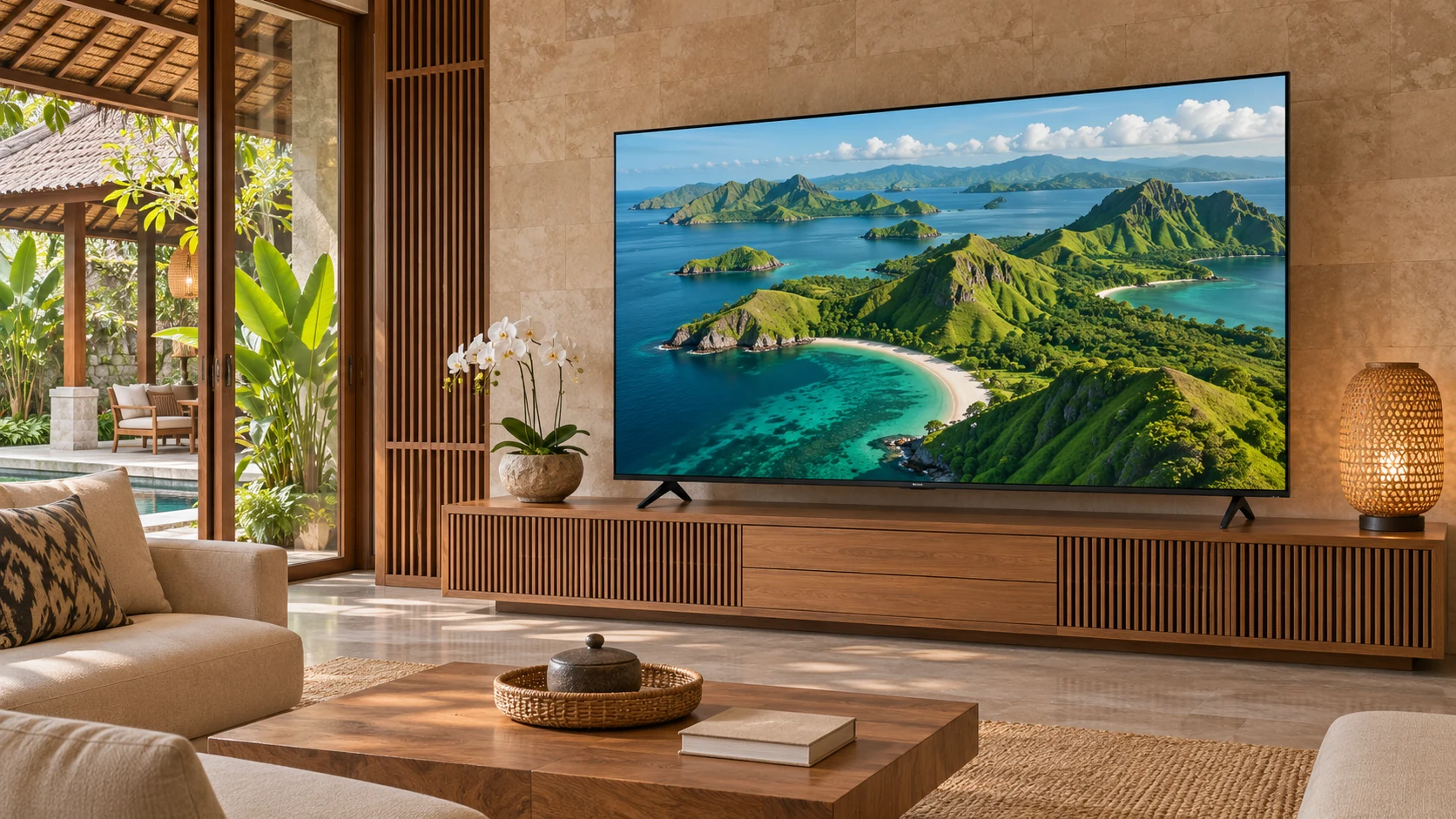
A lobby information screen can show event schedules, wayfinding or welcome information. Begin with the content owner and the viewing location. A screen showing a simple daily schedule has a different workflow from a managed network of signage displays. Establish those differences before requesting a television or display quotation.
Design the message for passing guests
Prepare a sample schedule using real event names and the languages guests need. Check text from the point where a visitor first looks for directions, not just directly in front of the display. Keep the message brief, account for changing daylight, and assess whether reflections or nearby signs compete for attention.
Specify playback and updates
State whether staff will update a local file, connect a player or use a content management system. Test the exact media formats, orientation, network access and recovery after a power interruption. Do not assume a consumer-style Smart TV includes commercial signage scheduling, remote management or portrait-operation support. These functions require explicit model and software confirmation.
Check the installation environment
Give the supplier the proposed operating hours, mounting position and environmental conditions. Confirm that the selected model’s documented operating limits match the project, including any extended daily use. Ask the installer to assess the mounting structure, ventilation, power access and cable concealment. A hospitality label does not establish suitability for every location.
Define responsibility at reception
Name the person who changes schedules and the person who handles technical faults. Agree how outdated event information is removed and what appears if the player or network fails. During acceptance, test a normal content update and a restart, then retain the final settings and connection diagram for reception staff.
Planning example
Planning example, not a customer case: a hotel planning a reception schedule screen can trial one week of changing event slides before deciding whether local playback or a managed player is appropriate.
Buyer checklist
- Content sample and required languages
- Viewing position and room-light conditions
- Operating hours and exact model suitability
- Playback device, software and update owner
- Mounting assessment and restart acceptance test
Common buyer questions
Can any Smart TV be used as commercial signage?
Do not assume this. Check operating limits, orientation, software, warranty scope and the project workflow against the exact model documentation.
Does JIADA supply a hotel management or IPTV system as standard?
This guide does not establish that. Any integration, licensing or special software must be specified and confirmed separately.
Copyable project brief
Complete these fields before requesting a project quotation.
Project / location:
Room plan and user workflow:
Screen size / quantity:
Computer, software and accessories:
Installation and delivery responsibilities:
Acceptance tests and required date:
JIADA product information → · Buyer guide PDF ↓
AI-assisted editorial guide from JIADA. Planning examples are hypothetical, not customer case studies. Product configurations and commercial terms are confirmed in the written project quotation.
Project questions
Orion Yang · sales@jiadatv.com